Help articles now show up in Quick Search and open in a side panel next to your score
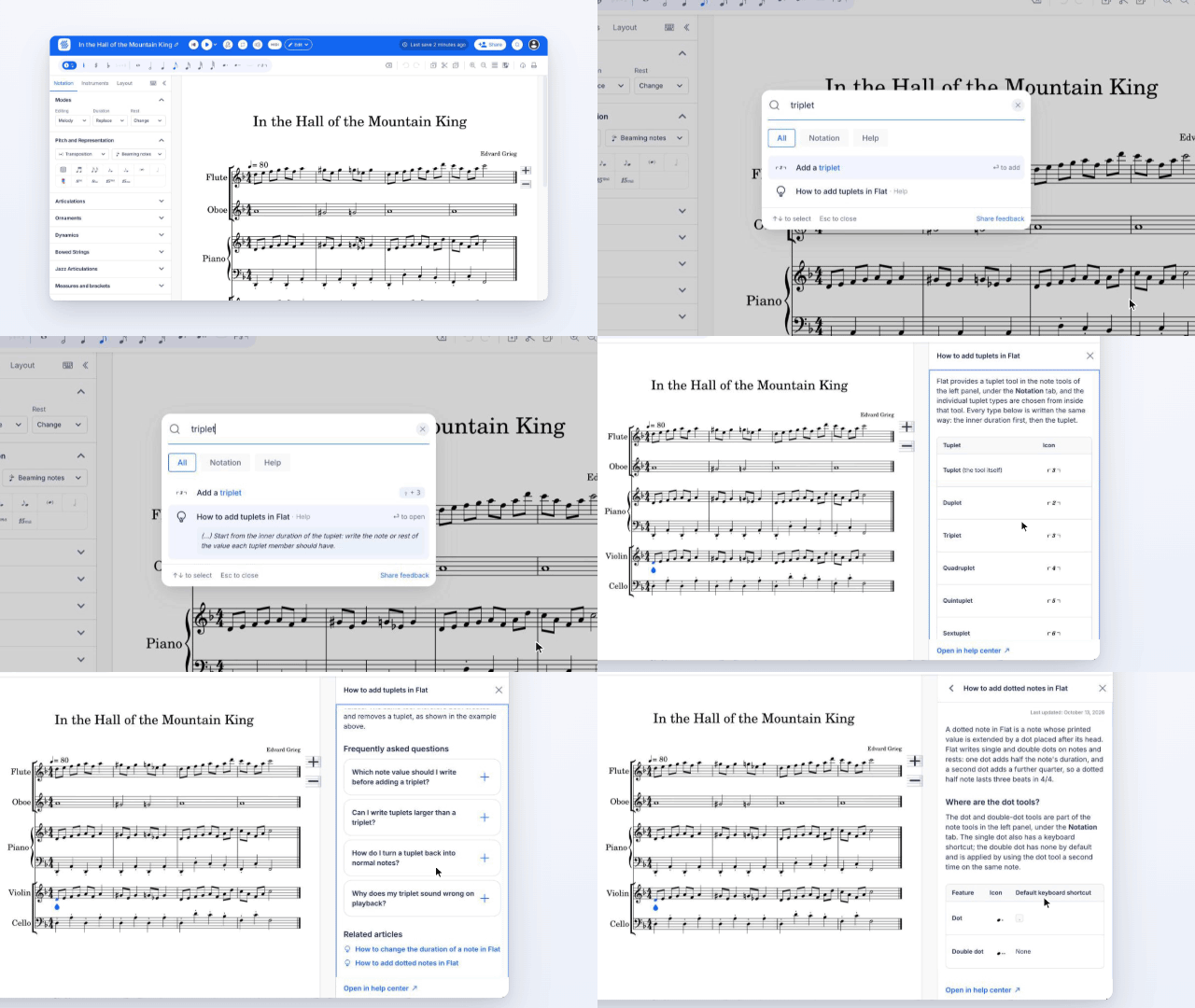
Quick Search now finds help articles as well as actions. Press / in the editor, type what you are trying to do, and the matching articles appear with a short tip under each one.
- Help next to your score. Opening an article shows it in a side panel in the editor, so you can follow the steps without leaving your score.
- A Help filter. Narrow the results to articles only, next to the other filters.
- Recent articles. Articles you opened come back in Recent, so you can find them again.