Loop mode, and playback that picks up where you stopped
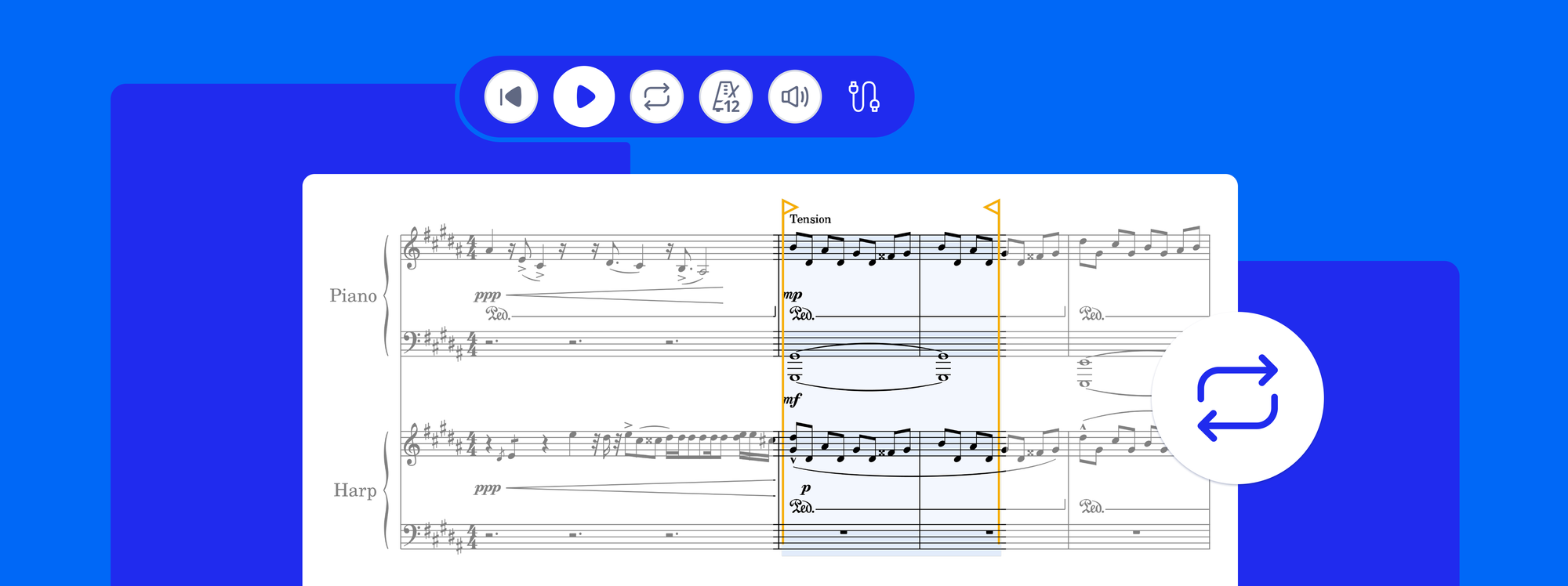
Select a passage, press L, and it repeats until you tell it to stop, while the notes stay editable, so every change lands on the next pass. Loop mode is free on every plan.
- Three ways to start a loop: select bars and press L, choose Loop from the selection menu, or press the loop button in the header to loop the bar your cursor is in. Drag the handles to widen or tighten the range, even while it plays.
- The notes stay editable. Click a note as it plays, change it, and hear the result the next time round. Loops also work over a synced YouTube, Vimeo, SoundCloud or uploaded recording.
- Playback starts from your cursor, not from the top. Stopping keeps the position: Space plays from the cursor, Shift + Space resumes exactly where the music stopped (press and hold Play on mobile). Going back to the start moves the cursor while stopped, and restarts playback while playing.
Available in the new editor on the web and on the new mobile toolbar on iOS and Android. Embedded scores can loop too, through the embed API.