Instruments with automatic instrument sorting and brackets
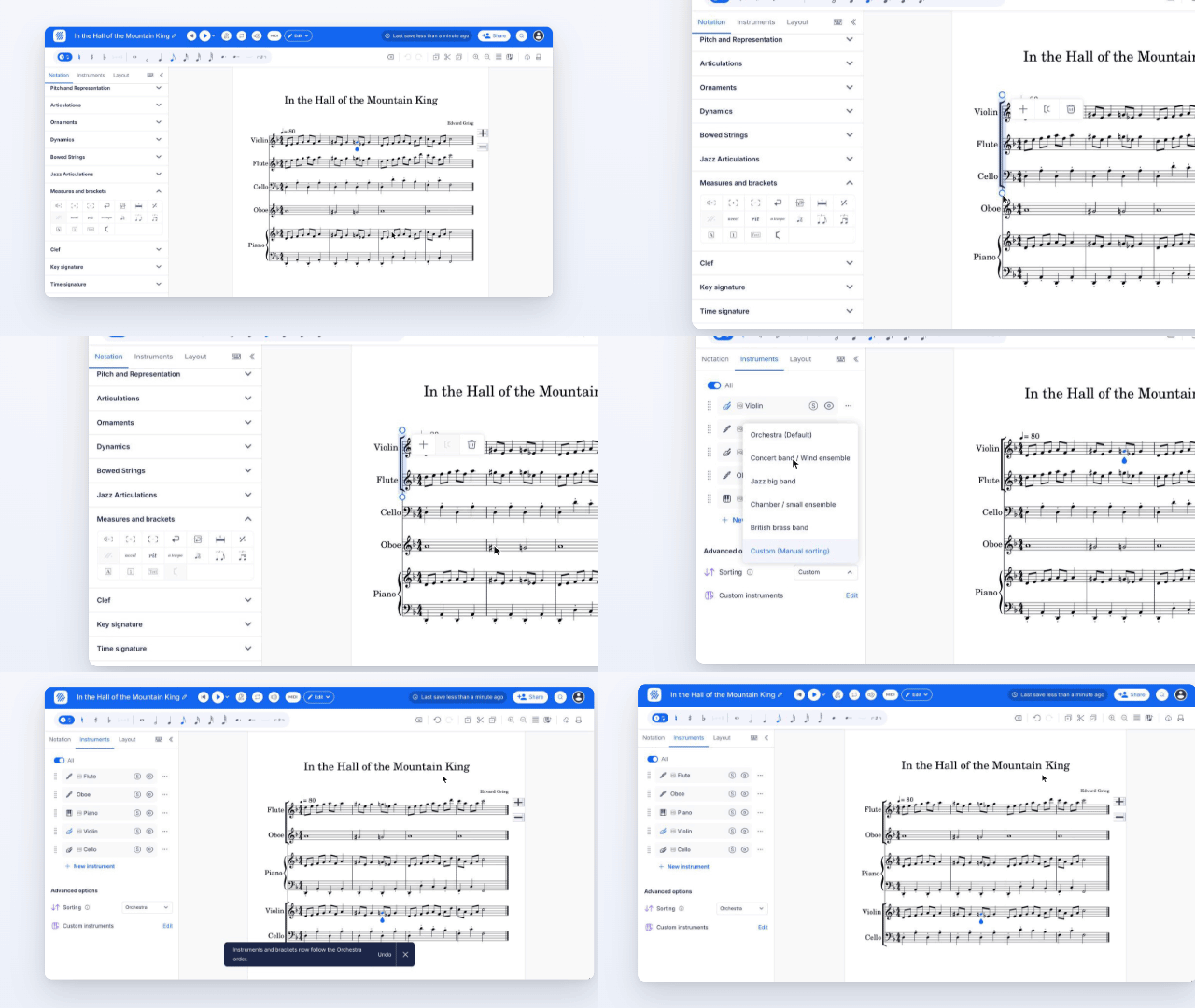
Everything you do with the instruments of a score now happens in the side panel, next to your music. You no longer leave the editor for a separate settings page.
- Automatic instrument ordering (Power). Choose Orchestra, Concert band, Jazz big band, Chamber ensemble or British brass band, and your instruments move into the standard order for that ensemble. New instruments then land in the right place instead of at the bottom.
- Brackets that follow along (Power). With a sorting style on, brackets are added and kept up to date for you, such as one across the strings.
- Add and edit brackets in the score (Power). Select a staff, then choose Add/Edit Brackets under Measures and brackets in the Notation tab. Drag a bracket's handle to take in more or fewer instruments. Editing a bracket by hand switches sorting back to Custom.
- Custom instruments (Power). Create pitched or unpitched instruments, including your own percussion kit, and reuse them in any score.