Live MIDI: record from your MIDI keyboard and fix the take before it reaches your score
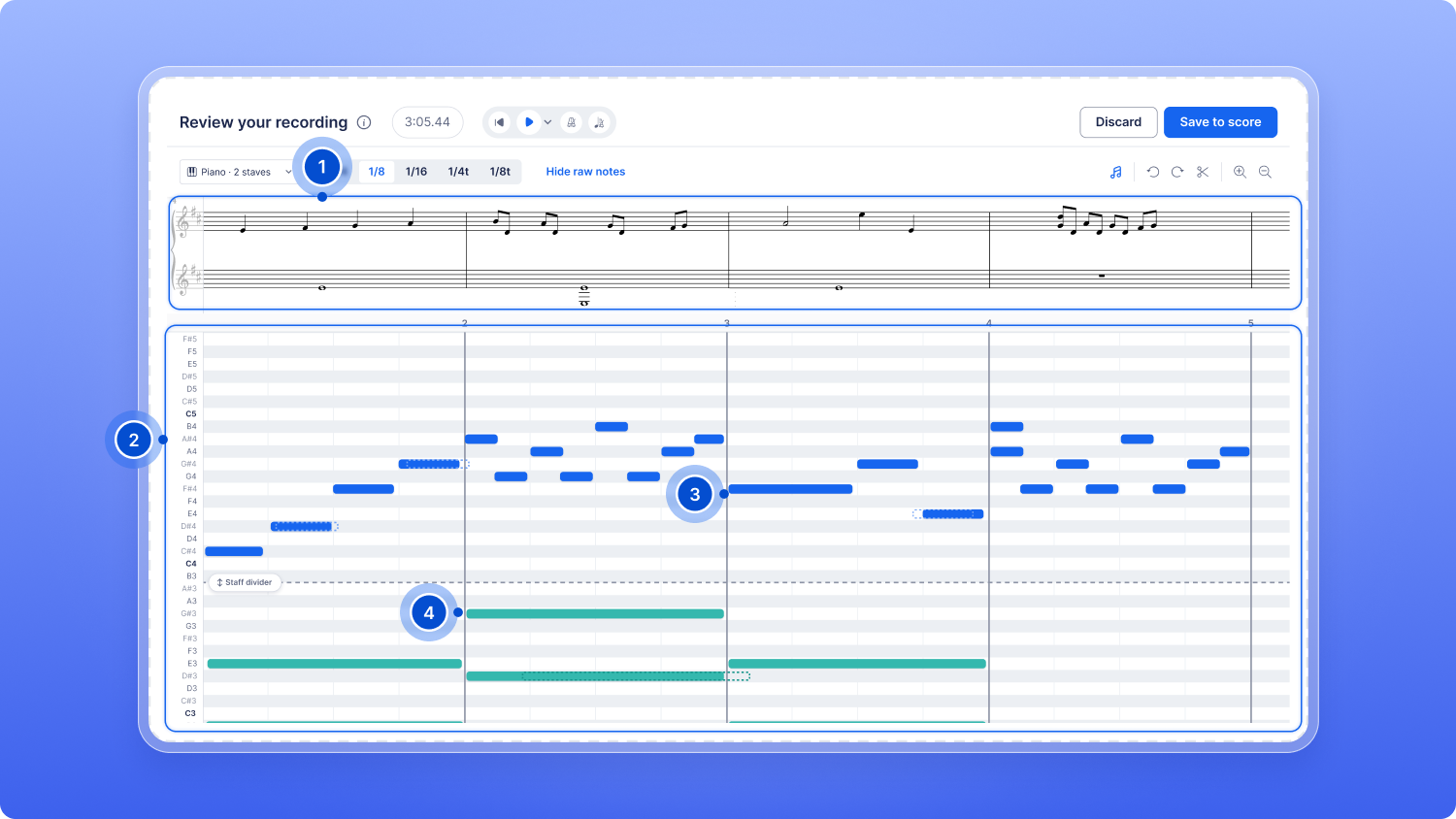
Live MIDI has been redesigned from the ground up. Play on your MIDI keyboard, watch your notes scroll by as you record, then fix the take before it goes into your score.
- Record with a metronome, tempo and countdown. Start from the MIDI panel in the editor. Without a countdown, the take starts on your first note.
- Snap your timing to a grid. Choose 1/4, 1/8, 1/16 or the triplet grids, and compare with the notes exactly as you played them.
- Edit before saving. Change note lengths, split or delete notes, move them between staves, trim the take and adjust the tempo.
- Choose where it lands. Flat shows how many measures the recording adds and highlights in red the ones it will overwrite.
Live MIDI needs a MIDI keyboard and a browser that supports MIDI devices, such as Chrome, Edge or Firefox (Safari doesn't support them). It is open to everyone for now and will later become part of our Flat Power plan.