Flat for Education desktop app for Mac and Windows
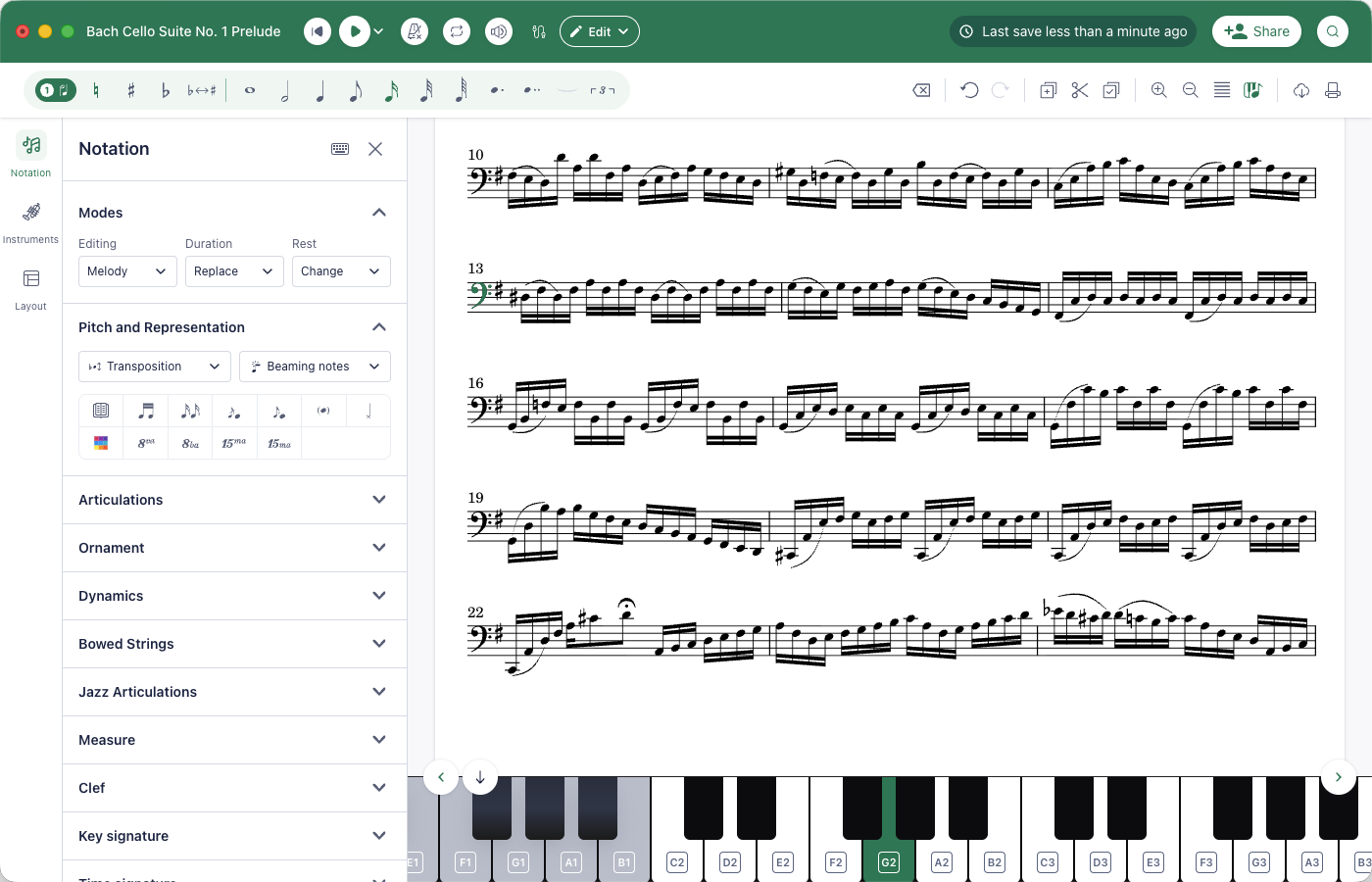
The Flat for Education editor is now available as a desktop app for Mac and Windows. Same account, same scores, for every account covered by a school licence: teachers, students and administrators.
- Works offline. No Wi‑Fi in class? Keep composing and editing: your work is saved on the computer, and your changes sync back to your account the next time you open the app online.
- Your full library, synced. Sign in and every score, assignment and class is there, on the web and on the desktop. Start a score in the browser and pick it up in the app, or the other way round.
- The complete editor, in its own window. Notation, playback, MusicXML and MIDI import and export, PDF export, and note entry from a USB or Bluetooth MIDI keyboard.
- Install it on every computer. Lab machines, the staff laptop, a student's home computer: there is no per-seat install limit.
Get it from flat.io/edu/desktop, or from your account menu in the web app: it picks the right download for your computer.